Blog
What can you run in 120W?: Why OpenSFF is suited for SMB workloads
Introduction
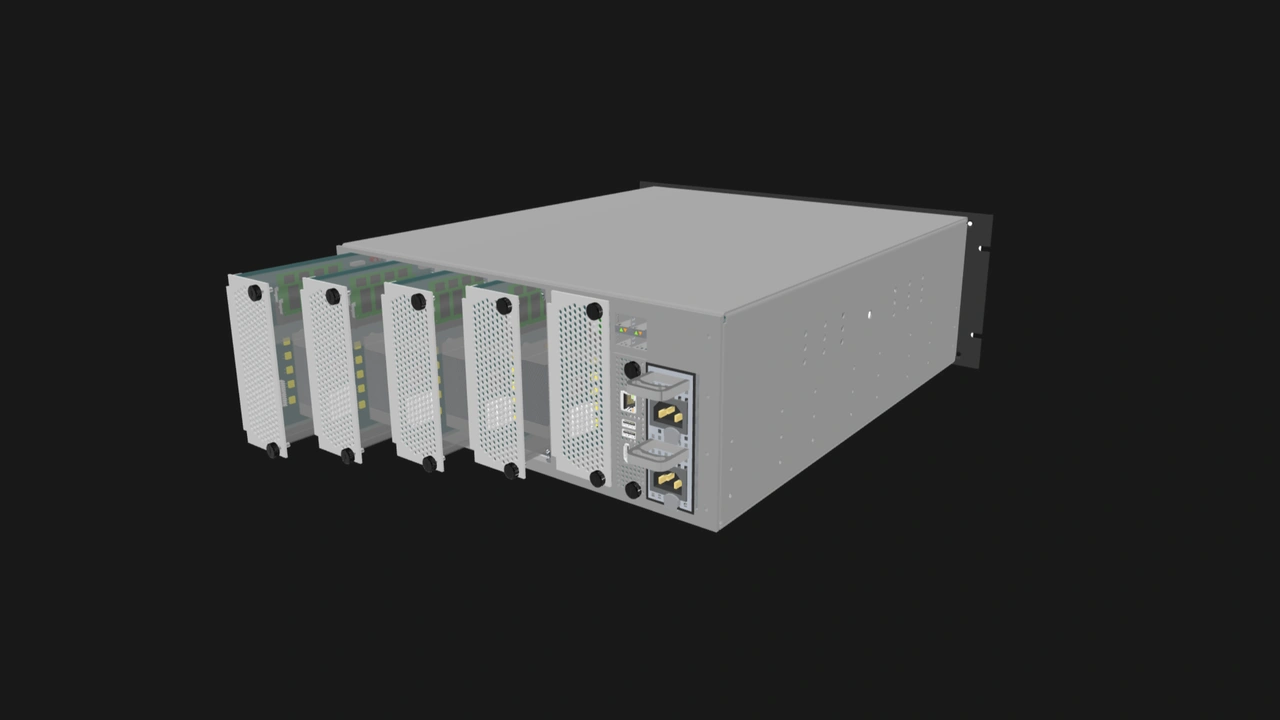
We previously discussed how the 120W maximum power target per Compute Node helps ensure safe, reliable, and long-lasting OpenSFF systems. We understand that this figure might be too restrictive for some applications, especially when considering that the Compute Node dimensions leave no room for expansion cards or GPUs.
We have clear goals and intended use cases for OpenSFF systems. We adopted the general architecture of blade servers to provide density and efficiency to users with small to medium-scale workloads. Further, we ground this compact form factor on interoperability and encourage vendors to use off-the-shelf hardware and established standards to create affordable yet scalable solutions.
In this article, we will explore how a Compute Node equipped with today’s hardware can already do so much with 120W.
Desktop CPUs have come a long way
AMD equips Threadripper and EPYC CPUs with high core counts and a premium I/O die that has plenty of DDR5 channels and PCIe 5.0 lanes, along with other features for demanding deployments. But the chipmaker has been using the same Zen Core Compute Die across its Ryzen, Threadripper, and EPYC lineups since Zen 2. Intel is moving in a similar direction: its latest consumer (Panther Lake) and server (Clearwater Forest) platforms share the same Darkmont-based efficiency cores.
Pure performance gains over the last 5 years give us more confidence in the capabilities of today’s desktop and laptop-class CPUs. AMD has achieved roughly 56% cumulative improvement in instructions per cycle (IPC) from 2019’s Zen 2 to 2024’s Zen 5. Intel boasts larger gains, with 2024 Arrow Lake CPUs shown to have as much as 70% cumulative IPC improvement over 2019 Comet Lake processors.
For those concerned about ECC RAM compatibility, you can take advantage of it even with an entry level desktop CPU, assuming your system board's chipset and BIOS also support ECC.
Mainstream memory and storage combine density with speed
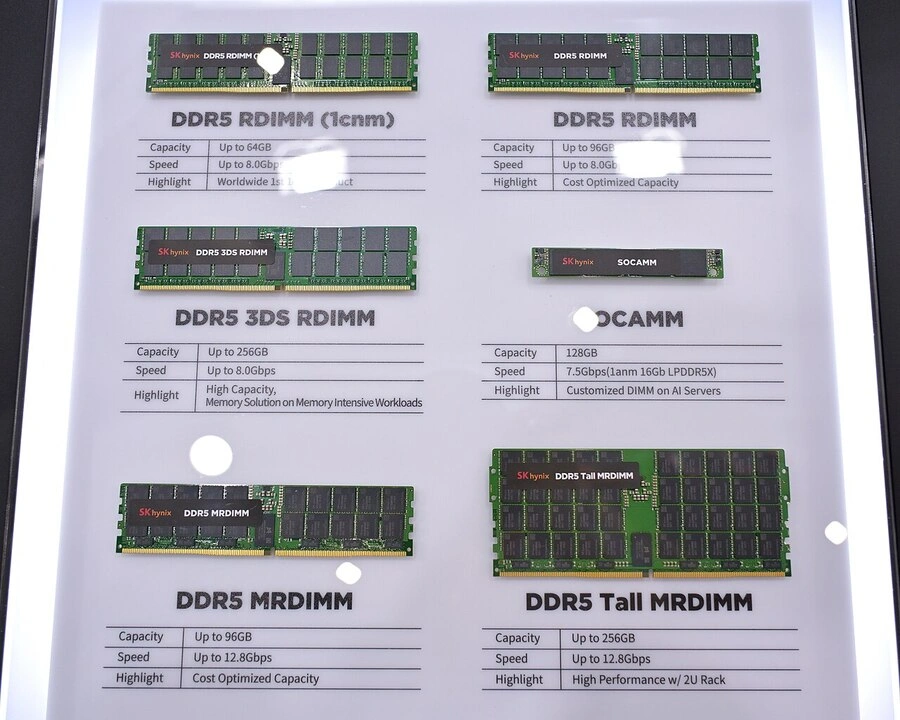
DDR5 RAM, introduced in 2020, is a generational leap over its predecessor. It has double the maximum bandwidth (51.2GB/s vs. 25.6GB/s) and clock rates (6400 MT/s vs. 3200 MT/s) of DDR4. High capacity modules allow vendors to fit adequate memory in Compute Nodes.
The story is similar on the storage side. NVMe M.2 drives within the 2 to 8TB range are now mainstream, a significant improvement from the 1TB practical ceiling in 2019. While a mechanical hard drive also fits in a Compute Node, the significant gains in terms of speed and space-efficiency makes NVMe M.2 SSDs a natural fit for our standard.
A Compute Node can accommodate up to four DIMM slots and two NVMe M.2 slots. Newer form factors such as CAMM2 can allow future Compute Nodes to have even higher memory and storage limits.
Before we explore real-world workloads, let us break down how these capable components consume our 120W maximum power target. A DDR5 RAM module typically consumes around 5W, which gives us 20W for four modules. We then add 5W per NVMe SSD for a total of 10W. A NIC and other interfaces consume around 5W, while power loss from the VRM and system board account for around 5W. That gives us 40W, leaving 80W for the CPU. Vendors can of course configure Compute Nodes that shift more power to the processor.
High-end Compute Node workloads
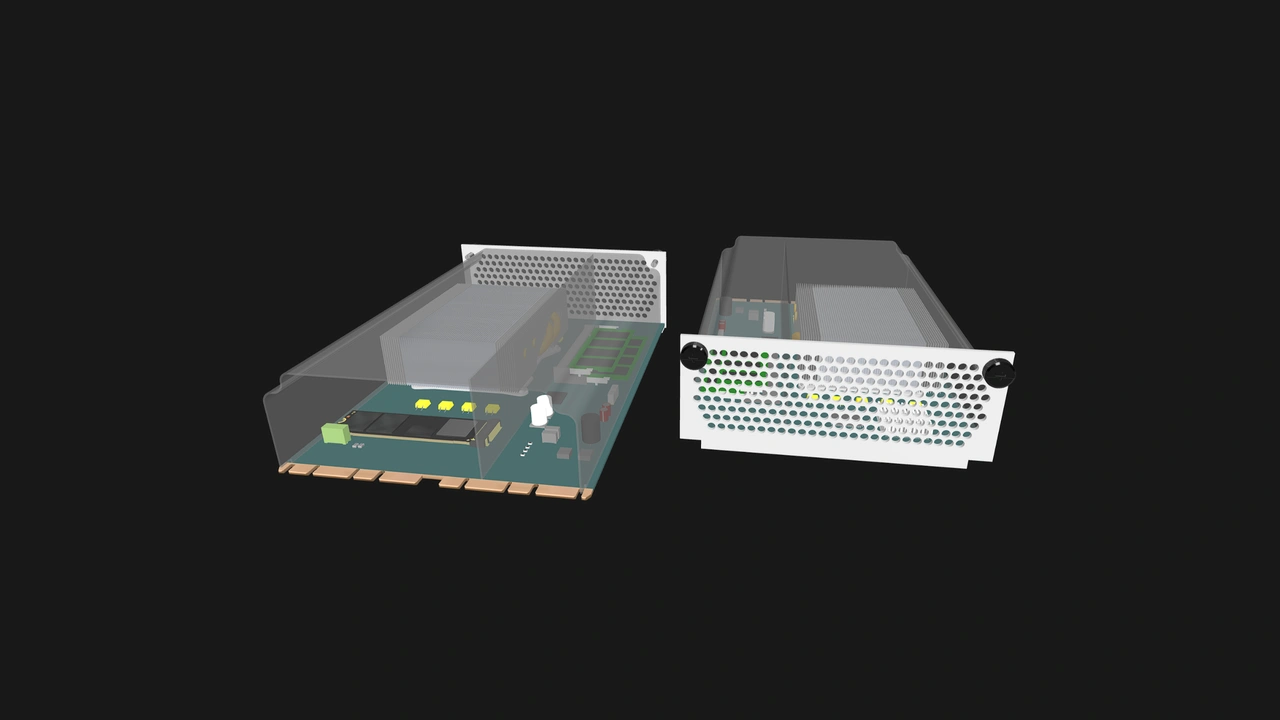
Let us explore what workloads a high-end Compute Node can do with today’s hardware. We are going to use this Compute Node configuration to ground our discussion:
- CPU: AMD Ryzen 9 Pro 9945. Released in 2025, this Zen 5 CPU has 12 cores, 24 threads, a base core frequency of 3.4GHz, a 65W default TDP, and ECC RAM support.
- RAM: 128GB DDR5 (2x 64GB modules)
- Storage: 16TB NVMe SSD (2x 8TB modules)
VMs and containers
Proxmox expert Edy Werder recommends a server with at least an 8-core CPU and 64GB RAM to handle a typical SMB scenario of 15 to 25 VMs. Let us be conservative and say that a Linux-based VM needs at least 4GB RAM, while Windows VMs need 8GB RAM at minimum. Even if we reserve 16GB for Proxmox itself, our reference Compute Node can still match Edy’s SMB server.
For containers, K3s needs less than one CPU core and approximately 1.6GB RAM for its control plane. However, container workloads are highly variable. Let us instead go for the minimum high availability (HA) configuration. Three of our reference Compute Nodes in one HA cluster can likely handle up to 330 pods, running web services, databases, files services, monitoring, and other microservices and applications. For heavy workloads, we can assign one to three CPU cores per pod (with one core reserved for the control plane).
Databases
PostgreSQL
Database administrator Mehman Jafarov recently assembled a three-node HA PostgreSQL cluster using Patroni, an open-source cluster manager. In a 60-second pgbench test set to a 5GB database and 50 clients, Mehman’s cluster averaged 386 transactions per second (TPS). Scaling the test to 30 minutes and 500 clients, the cluster averaged 4,487 TPS, with over 8 millions transactions processed and no failures.
While we do not know the exact specifications of Mehman’s test nodes, the database can easily fit in our Compute Node’s RAM. The only question is whether our CPU would throttle in the 30-minute stress test, but we can prevent this with adequate cooling.
ClickHouse
On their blog, the ClickHouse management platform TinyBird notes that a 16-core node may be able to handle 200,000 inserts per second, with the write throughput scaling linearly as you add similarly equipped nodes. That gives our reference configuration a respectable 150,000 inserts per second. Our configuration is also well beyond ClickHouse’s own sizing guidance: 100GB RAM per 25 CPU cores for low-latency use cases and 2GB per core for compute-intensive or high-concurrency workloads.
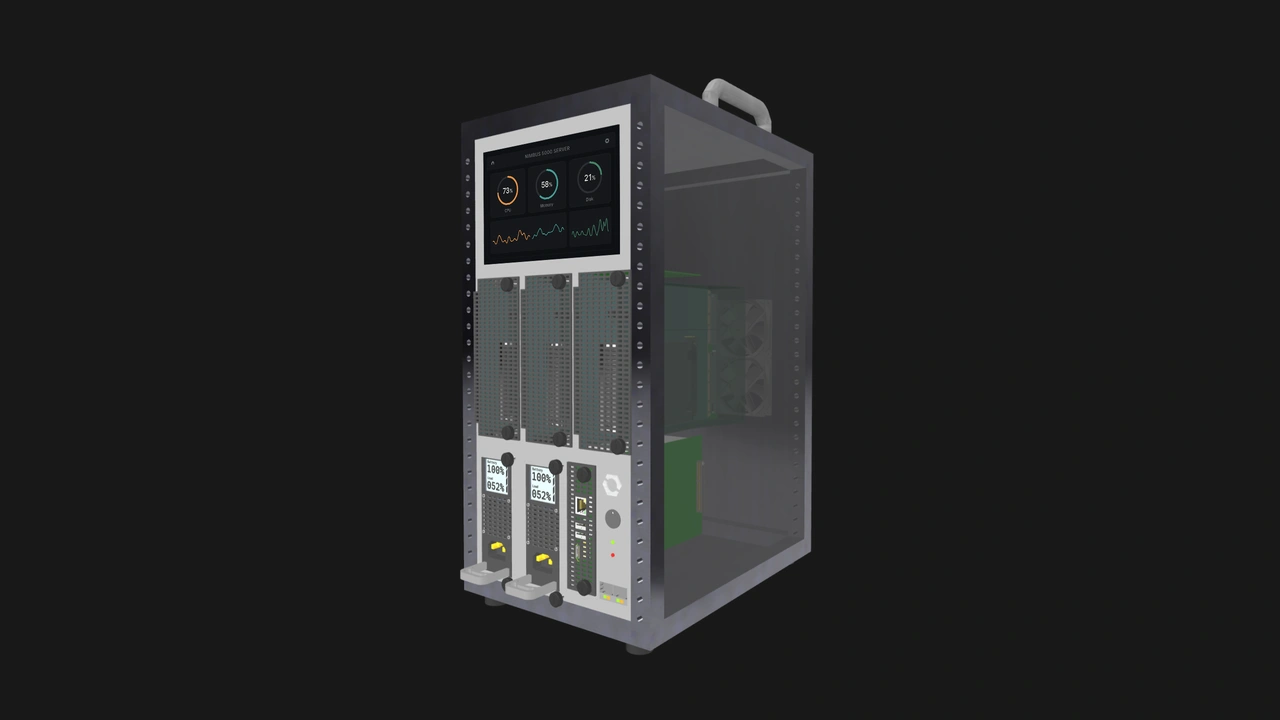
Given these figures, we believe that a three-node OpenSFF system that uses our reference Compute Node can comfortably act as an HA Proxmox cluster with 30 VMs, a ClickHouse analytics system achieving around 450,000 inserts per second, or a full-stack SMB IT cluster managing dozens of pods, a PostgreSQL database, and a GitLab installation serving up to 20 requests per second.
Build with OpenSFF
By the time vendors adopt our standard, denser CPUs, faster memory, and other technological improvements may provide even more performance within 120W. Our standard will allow users to harness that power while also enjoying reduced inter-node latency through the internal switch fabric, improved space and power-efficiency through the Enclosure, as well as competitive pricing, best-of-breed procurement, and modular upgrades through a vendor-agnostic ecosystem.
Platforms such as Kubernetes, PostgreSQL, and Proxmox are designed to scale horizontally, further mitigating the constraints of our safe and reliable power budget. Future versions of our specifications may also open the door to significantly more powerful Compute Nodes, perhaps by adopting a variant of the SFF-TA-1002 connector that supports higher current ratings on its power pins.
We invite you to read our specifications, and we would be grateful if you spread the word about OpenSFF. For technical clarifications, collaborations, and other inquiries, reach out to our development team at [email protected].
Other Articles

Meet OpenSFF: an open hardware standard that enables cross-vendor compatibility, modular systems, and sustainable hardware reuse.
August 11, 2025
We go over the rise of virtualization and the open software adopted by home server enthusiasts, as well as the current challenges and the future of the hobby.
September 06, 2025

Learn why OpenSFF adopted the SFF-TA-1002 connector standard and how it enables our vision.
September 18, 2025