Blog
How the Enclosure SD Card Supports the Core Pillars of OpenSFF
Introduction
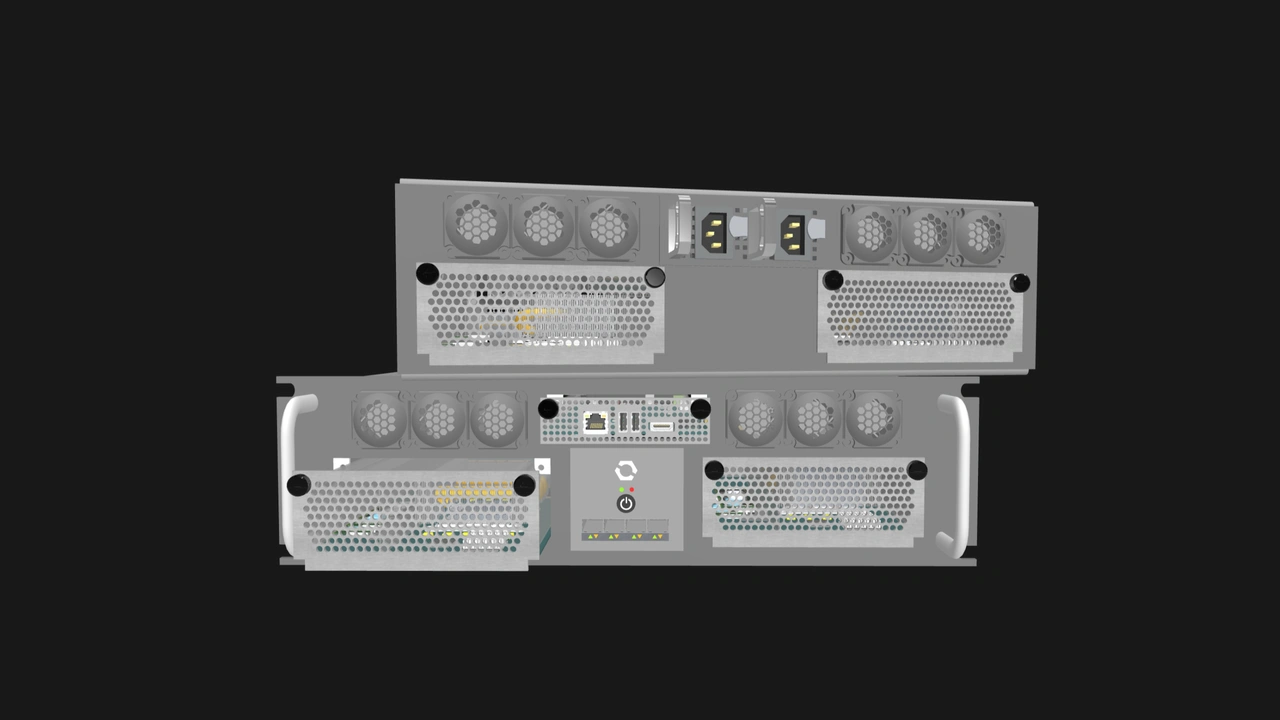
One of the fundamental requirements of a multi-node system is a mechanism to determine which physical slot in the chassis contains which node. This ability does not only enable node access and management. It can also dictate the system’s serviceability and longevity.
Our solution is an SD card mounted on the backplane that stores Enclosure-specific data, along with other information. The Enclosure SD card works with smart Management Modules to create a resilient, serviceable, and standardized key.
In this article, we will explain how we employed the Enclosure SD card for slot mapping. We will also go over other types of data that can be stored on the SD card. Finally, we will put the Enclosure SD card and the Management Module through several scenarios. By the end, you will understand how this humble tool enables clean hardware replacements, interoperability, and sustainability.
How the Enclosure SD Card enables slot mapping
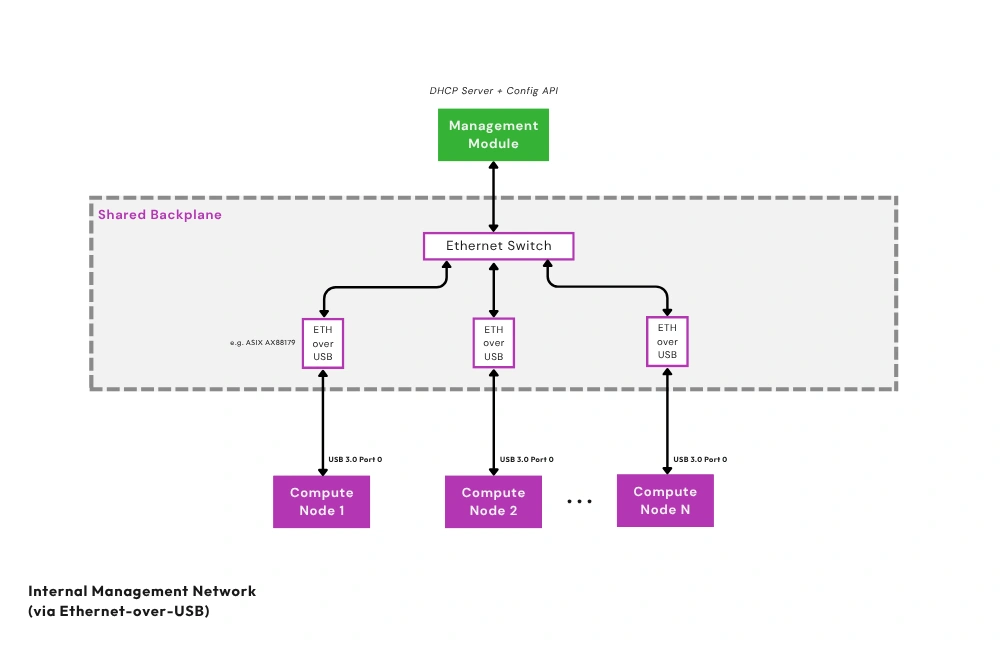
Enclosures that support node management must have a Private Enclosure Network (PEN), a dedicated out-of-band management network. An installed Compute Node connects to this network by routing one of its USB 3.0 signals to USB-to-Ethernet bridges on the Enclosure backplane. The bridges repackage data and connect to an isolated internal Ethernet switch, which is also on the Enclosure backplane.
The Management Module then connects to the switch to access the Compute Nodes. For security, we use port isolation to ensure that Compute Nodes cannot communicate with each other on this network. Note that the Compute Node’s USB 3.0 signal can instead be exposed for external connectivity if the Compute Node is installed in an Enclosure that does not support node management.
Thanks to the bridges, the Enclosure already knows the MAC addresses of its node slots. Meanwhile, the Management Module can run a DHCP server on the PEN and assign an IP address to each MAC address. All that remains is to inform the Management Module about the slot behind each MAC address. This is where the Enclosure SD Card steps in.
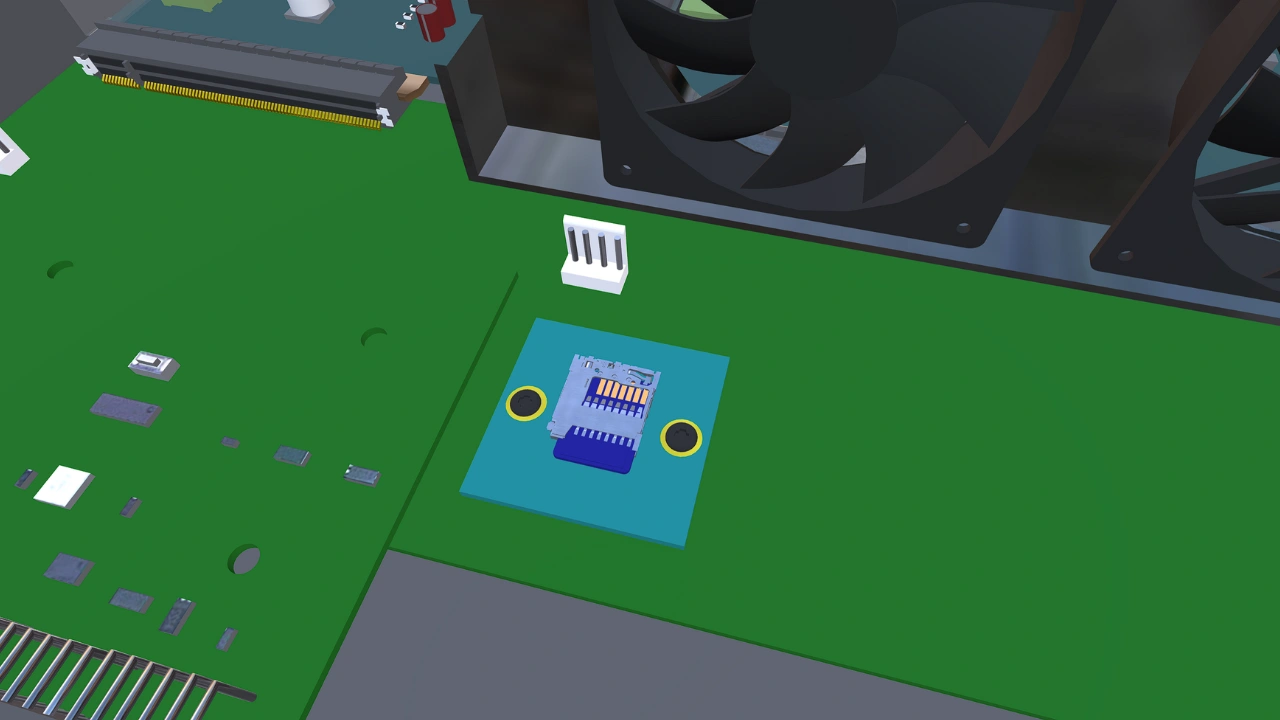
Vendors will store metadata on the SD card, including the slot and MAC address pairs specific to the Enclosure. If a Management Module that is only a local KVM device is installed into the Enclosure, that module will ignore the SD card. But when a smart Management Module is installed into the Enclosure, it will copy the metadata into its internal storage.
Equally important, if the Enclosure SD Card ever needs to be replaced, the Management Module can copy the metadata back to the replacement SD card. With our modular storage mechanism established, we maximize it by storing other crucial data on the SD card.
What lives on the Enclosure SD Card
Management Modules access the Enclosure SD Card over SPI mode instead of SDIO. This minimizes the required logic on the backplane and avoids high-speed signaling requirements. This also avoids conflicts with Management Module implementations that also use an SD card for persistent storage.
As we discussed, the Enclosure SD Card serves as the repository for Enclosure metadata. But we are also using it to back up the Management Module’s configuration. Since the SD card is mounted on the Enclosure backplane, these files persist even when the Management Module is removed or replaced.
Enclosure model data
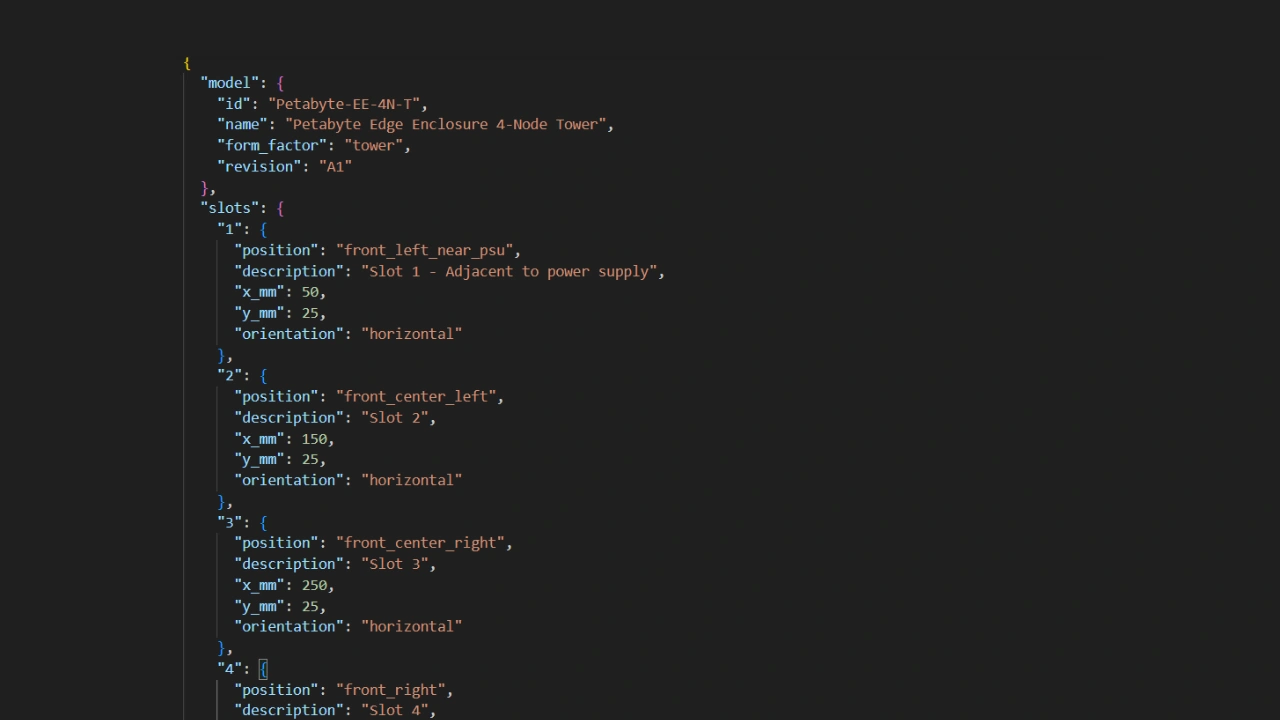
These data apply to a particular Enclosure model. This includes information about the Enclosure’s physical layout, fan layout configurations, and cooling profiles. Vendors must make these data publicly available.
Enclosure unit data

These are data specific to one Enclosure. This includes the aforementioned MAC-to-slot mapping. Other data may include hardware SKUs, product IDs, and serial numbers.
Management Module configuration file backup
Naturally, this file is not the Enclosure vendor’s responsibility and is not included in the Enclosure SD Card by default. When the user makes significant changes to the Management Module, such as modifying network settings or adding user accounts, the module automatically backs up its configuration file to the SD card.
How the Enclosure SD Card and Management Module interact
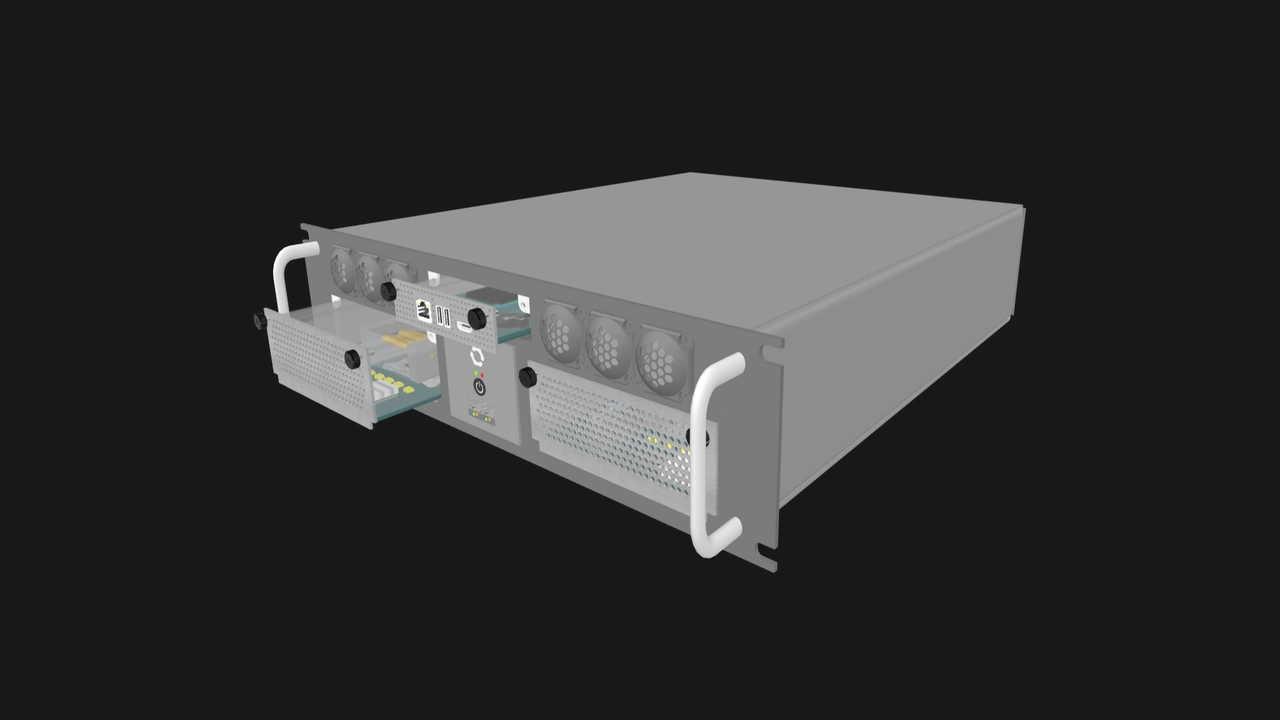
Let us go over several configurations and see how the Enclosure SD Card and the Management Module will handle the metadata files in each of them.
The Enclosure and Management Module are both brand new
In this configuration, the Enclosure SD Card contains the Enclosure-related data out of the box. The Management Module on the other hand comes with a default configuration file.
When the Management Module is inserted into the Enclosure for the first time, it will copy the Enclosure data from the SD card and then store its default configuration file into the SD card. The SD card and the Management Module now have copies of the same files.
An existing Management Module is replaced with a factory default unit
In this configuration, the Enclosure SD Card contains the Enclosure-related data as well as a backup of the previously installed Management Module’s configuration file. When a new or factory default Management Module is installed, it will overwrite its default configuration file with the backup on the SD card. It will also store copies of the Enclosure data. This requires no input from the user, and the system resumes functioning as previously configured.
An existing Enclosure SD Card is replaced
In this configuration, the previous SD card has malfunctioned but the installed Management Module has copies of all the metadata files. When the replacement SD card is installed, the Management Module simply restores all files to the SD card. Once again, a clean replacement.
If the user opts to run the system without replacing the faulty SD Card, only hardware-level functions such as KVM routing and network pass-through will remain operational.
The metadata files are mismatched or missing
In this configuration, some or all files in the Enclosure SD Card do not match the ones in the Management Module.
While files can be corrupted, this scenario is most likely when used components are involved. For instance, a fast food chain may take a Management Module from one of its existing deployments and install it into an Enclosure in its new branch. Or perhaps an enthusiast purchased components separately on the secondhand market. In the case of the latter, the used Enclosure may not even come with an SD card.
If the Management Module configuration files do not match, the Management Module will not automatically overwrite the SD card’s backup. Instead, the user must log in to the management interface and choose which of the configuration files should be kept, i.e. whether the Management Module should continue using its current configuration, or adopt the settings stored in the backup configuration file.
If the Enclosure model data do not match or are missing, the user can verify or retrieve the correct data from the publicly available source.
If the Enclosure unit data do not match or are missing, the user may have a lot of work on their hands. This could involve manually figuring out the MAC address of the Enclosure slots, or looking for hardware identifiers such as the Enclosure’s serial number.
Despite this complex circumstance, our modular approach still provides users with recovery options. If the metadata files were stored only on an embedded chip in the Enclosure, as is the case in enterprise servers, it would be practically impossible to deal with this issue without the vendor’s support. Further, the system would not be fully modular or interoperable in the first place.
Benefits of the Enclosure SD Card
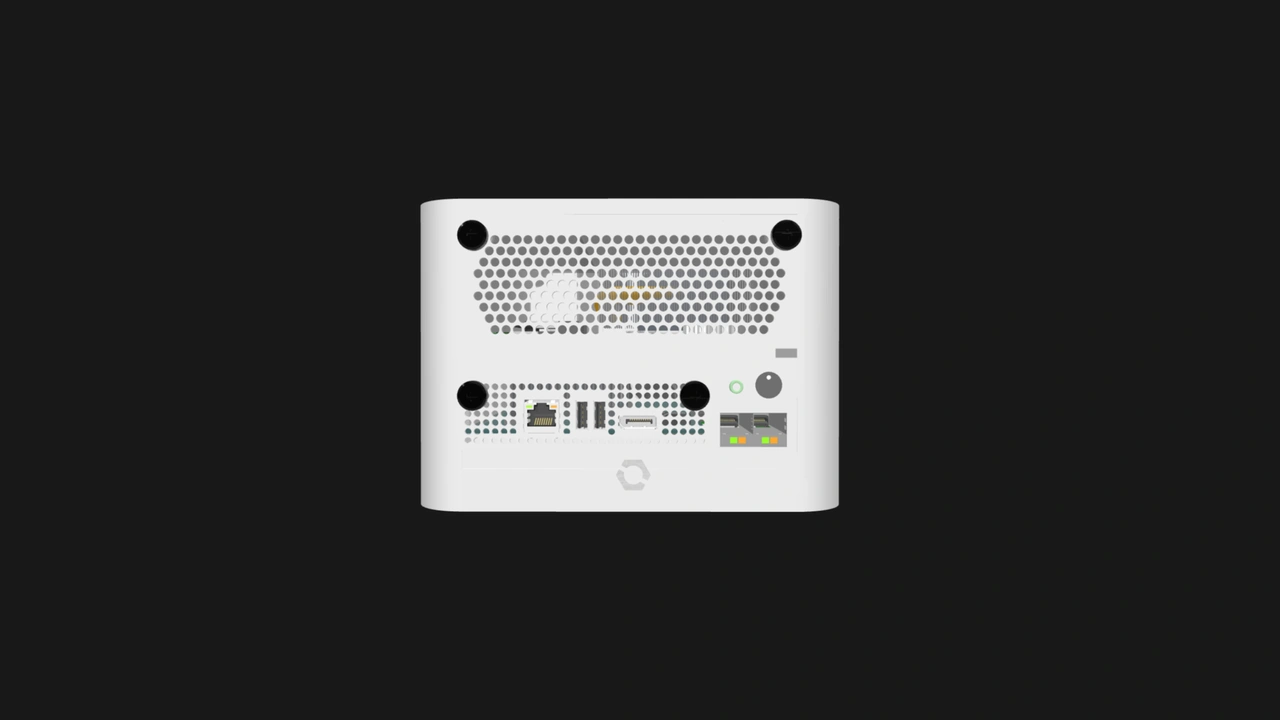
Our modular approach to metadata storage provides vendors and system integrators with clarity regarding the Enclosure and Management Module’s responsibilities. Vendors that specialize on Management Modules can innovate without worrying about compatibility issues with Enclosures.
The user-friendly replacement configurations can significantly reduce service calls and costly downtime. IT technicians and server administrators can have consistent workflows and manuals. Businesses can enjoy significant savings not only through modular repairs or upgrades. With proper inventory management and regular backups, they can reuse their OpenSFF components across deployments.
Since MAC addresses are specific to Enclosure slots rather than to Compute Nodes, the latter can be moved from a small Enclosure with only a few nodes to a larger system as workloads increase. Conversely, a Compute Node from a multi-node server can be repurposed to a single-node computer, such as a workstation, a thin client, or even a PC for casual use.
Enthusiasts will have an easier time configuring used OpenSFF components for their homelab or home server. They can enjoy the same straightforward and logical replacement options that businesses have, regardless of how and when they acquired their hardware.
Build with OpenSFF

The Enclosure SD Card may seem like a minor detail in our standard. But for us, it exemplifies our standard’s philosophy. From our choice of connector and management hardware to this simple storage device, we strive to employ familiar components in creating solutions that prioritize interoperability, serviceability, and scalability.
Our modular approach lays the foundation for resilient systems while enabling future capabilities. By assigning Enclosure-specific metadata to the SD card, OpenSFF makes it feasible to design Management Modules that can scale across multiple Enclosures without losing its state. Developers of management software can create advanced features, assured that configuration persists and can be restored. The Enclosure SD Card demonstrates that standardization does not mean sacrificing capability. It means making systems more predictable and repairable.
We encourage you to read our specifications, and we would be grateful if you help spread the word about OpenSFF. For technical clarifications, partnerships, and other inquiries, reach out to our development team at [email protected]. Happy Holidays!
Other Articles

Meet OpenSFF: an open hardware standard that enables cross-vendor compatibility, modular systems, and sustainable hardware reuse.
August 11, 2025
We go over the rise of virtualization and the open software adopted by home server enthusiasts, as well as the current challenges and the future of the hobby.
September 06, 2025

Learn why OpenSFF adopted the SFF-TA-1002 connector standard and how it enables our vision.
September 18, 2025