Blog
Ghost in the Shell: The Lifecycle Mismatch of Hardware and Software
Introduction

Computer hardware and software rarely retire in the same period. The mismatch between their lifecycles is an ever-present challenge for IT teams, and the deadline can come from either direction.
Sometimes the hardware outlasts the software. For instance, Microsoft infamously ended support for Windows 10 on October 14, 2025, despite Windows 11 having hardware requirements that leave hundreds of millions of otherwise functional PCs unsupported. Aside from this operational and sustainability crisis, there are still functional machines that are limited only to even older versions of Microsoft’s OS.
Other times, it’s the software that outlasts its original platform. For example, Android now accounts for nearly half of global POS shipments, but Windows still has broader support for legacy POS software. Despite the versatility of Android POS devices, that support keeps Windows POS devices a major presence in retail.
This mismatch exists across devices and industries, and there’s no silver bullet. But there’s one approach to hardware design that can help, and it’s what OpenSFF was built on: modular components that make replacement more targeted. In this article, we’ll go over the main ways that hardware and software lifecycles are out of sync, then we’ll talk about which of these issues modularity can and can’t address.
Compatibility and support
Vendor support windows for embedded systems run about a decade. For example, Windows IoT Enterprise LTSC has a 10-year lifecycle. However, that support period is measured against each release date of the OS’ various editions. That means the OS’ time can be up even when the applications that a business relies on remain licensed or useful.
On the hardware side, legacy add-in cards can introduce the mismatch, requiring slots that are no longer in newer hardware or left with drivers that have not been updated to work with the latest versions of operating systems.
Drivers and components
Drivers are one of the main constraints in the relationship between legacy software and modern hardware. A driver may have been made only for 16-bit Windows, which means application users must resort to either a virtual machine or a legacy system to keep running their setup today.
On the hardware side, no current Intel or AMD chipset retains native support for PCI. PCI slots on modern boards use bridge chips. Besides also lacking 64-bit drivers, those bridged slots may not provide the voltage that some legacy PCI cards require.
Industrial computer vendors say that a typical industrial system’s lifespan is 7 to 15 years. But individual components can become hard to source sooner than that. The memory shortage is about to make systems that require DDR3 or DDR4 modules more expensive to maintain because manufacturers are shifting their limited capacity to newer memory.
Security
While some home users opt to keep legacy operating systems on their PCs, business and industrial systems can’t afford to take that same security risk. According to a July 2026 Lansweeper blog post, Windows 10 is still used on 23% of healthcare and pharmaceutical devices, nearly 23% as well on consumer and retail devices, and on 18% of manufacturing devices. MSP Business points out that many of these holdovers are PCs that are attached to purpose-built machines such as a till or a lab instrument. The suppliers for those systems typically have no certification for Windows 11 or charge a hefty fee for it.
Lansweeper’s report also says that Windows 10 has 1,903 known cyber vulnerabilities, compared to only 652 on Windows 11. The exposure can have consequences even if the risk doesn’t manifest, because cyber insurers are now asking customers about unsupported operating systems.
Governments are catching up to cybersecurity risks. For example, the US’ Cybersecurity and Infrastructure Security Agency asks manufacturers to support their product’s dependencies throughout its expected life. But laws and regulations can also be a source of the mismatch between hardware and software.
Validation
Validation is a loaded term. It can involve rules or policies at different levels, but they all affect when hardware can or must be changed.
Regulatory validation is mandated by a law or regulation, asking operators to supply evidence of compliance that must be approved. In the US, the Food and Drug Administration’s (FDA) cybersecurity requirements don’t exempt legacy devices, and they may ask for another round of premarket submission for software changes. In the EU, a proposed revision of the GMP Annex 11 will require computerized systems in drug manufacturing to remain in their validated state throughout their lifecycle.
On the other hand, a manufacturer can have its own validation process to confirm that its product meets users needs and its intended use under actual or simulated conditions. For example, medical device manufacturers often dictate the configuration for computers embedded in their products, such as imaging workstations and lab analyzers. Hospitals can’t patch or update those devices’ software without breaking support agreements.
Then there’s organizational validation. Customers or businesses can create their own checks to see if a product, or a combination of products, works as they require in their environment. That may include testing configurations, integrations, user interactions, and user data.
How OpenSFF can help
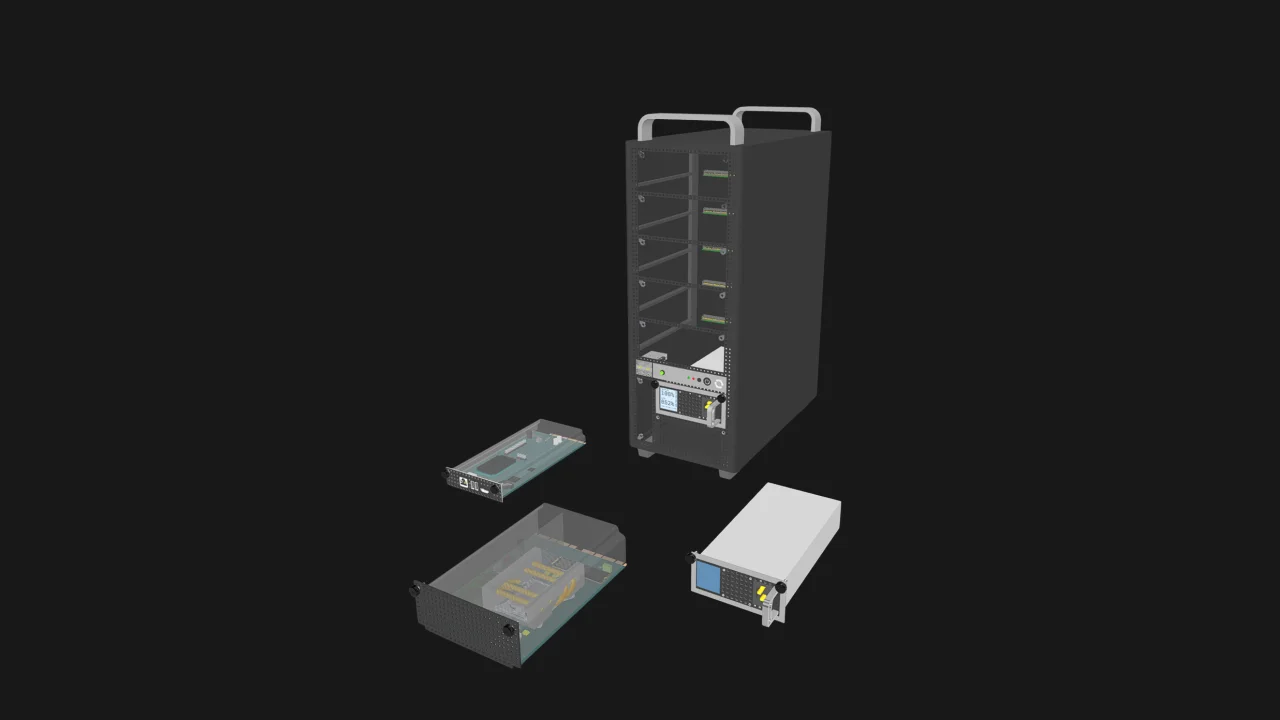
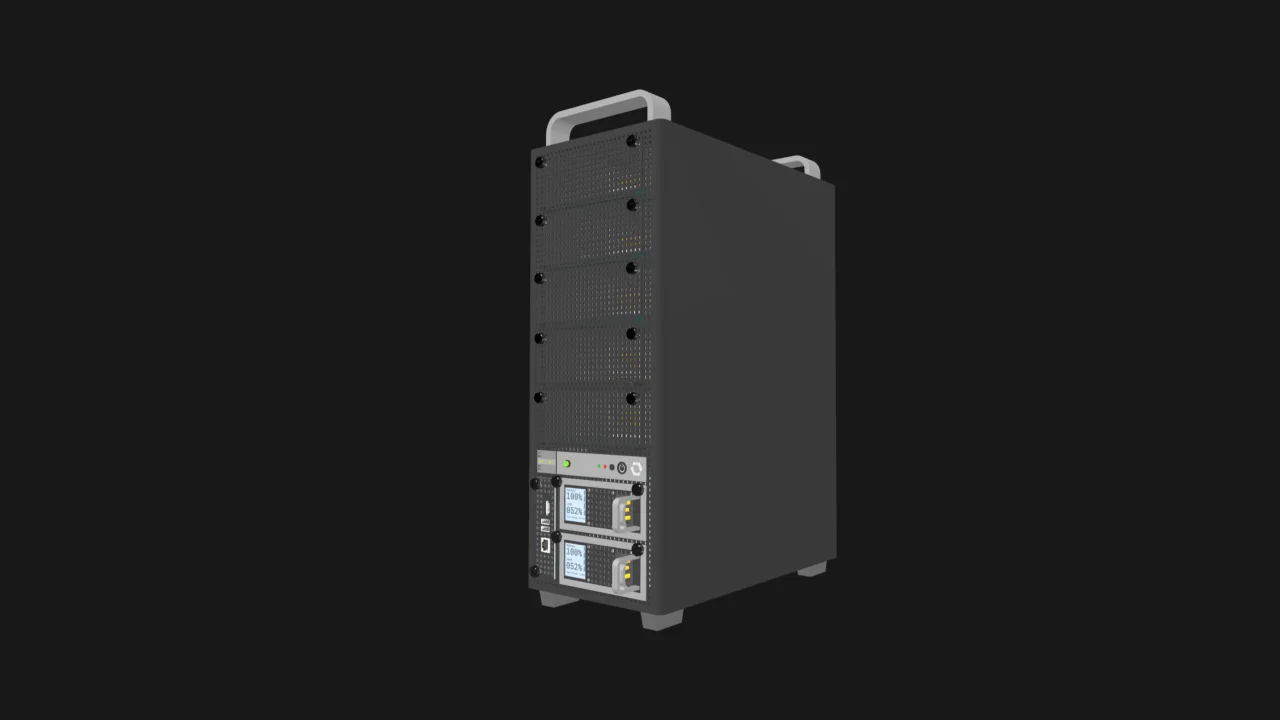
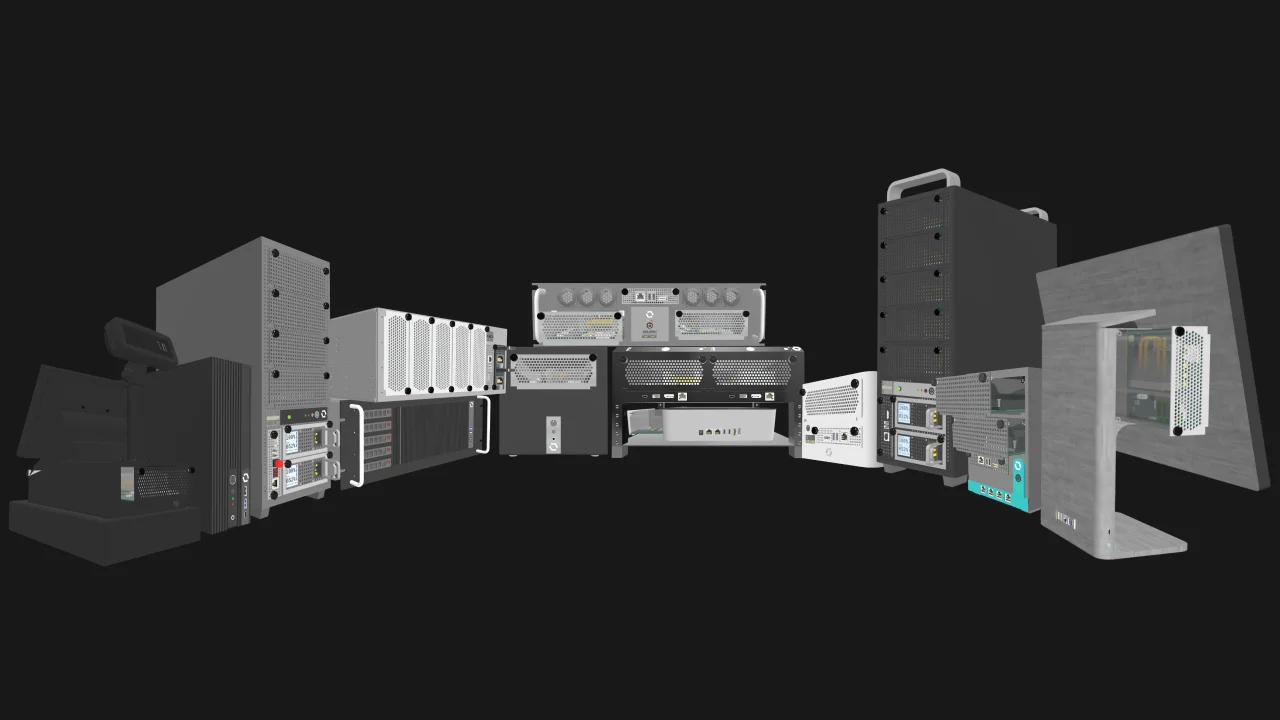
We’re a nonprofit organization creating an open standard for modular, vendor-neutral small form factor systems. Our specifications define a processing module called a Compute Node, a housing for one or more nodes called an Enclosure, and an optional management unit called a Management Module. Any Compute Node will work with any Enclosure, regardless of their vendors. The same is true for Management Modules and compatible Enclosures.
Just as computer-on-modules or system-on-modules allow compute to be upgraded while retaining the carrier board and the rest of the system, OpenSFF-compatible systems can have their nodes or Management Module swapped while leaving the Enclosure, its installation, and I/O untouched. In a world with OpenSFF, replacing obsolete compute hardware could mean a quick node swap instead of a full system replacement.
Modularity’s limits and risks
Modular replacement such as what our standard enables narrows the scope of hardware changes. But modular architecture can also introduce mismatches and related constraints.
Software incompatibility
A new generation of modules can also be the reason for software incompatibility. For instance, even though the Raspberry Pi Compute Module 5 (CM5) retains the form factor of Compute Module 4 (CM4) and generally maintains pin compatibility with its predecessor, moving from CM4 to CM5 may mean dealing with software interfaces that no longer work.
Loss of legacy support
New compute hardware can also have limited support for legacy operating systems, expansion cards, or peripherals. For example, AAEON’s new COM-ARHC6 COM Express Type 6 module has official support for only Windows 11 and Ubuntu 24.04. Similarly, our Compute Node Specification has a defined set of modern interfaces, which means legacy buses may need adapters or bridges in the Enclosure or within the node itself.
Constraints with regulated systems
Even when hardware can be changed, regulations may require revalidation before the upgraded, modified, or new piece of equipment can be used. This is one of the constraints for medical devices deployed in the US. Even if a medical device already received an FDA clearance, its manufacturer must reapply for the permission should they want to modify the device in a way that can sufficiently affect its safety or efficacy, or if the proposed modification would significantly change the device’s intended use.
Long-term support isn’t guaranteed
Modular hardware can deliver longevity and sustainability only if manufacturers commit to long-term driver and firmware support. Even Framework, a company that was founded precisely on sustainable hardware, struggled to update some of its laptops’ drivers and BIOS early on. In our standard’s case, we may move some of the interface specifications to higher or faster variants in future revisions to keep pace with technological improvements. But that may lead to gaps in backward compatibility that is baked into the standard and not within any vendor’s control.
Flexibility over restrictive interoperability
Even when a standard successfully provides a level of interoperability, it doesn’t guarantee that all implementations will work as ideally as intended. Intel’s Open Pluggable Specification for digital signage is one such proof of this. Despite being successfully adopted and resulting in interoperable modules and displays, the standard left room for vendors to come up with their own management tools, which ended up becoming a lock-in apparatus.
Similarly, the Core-class variants of Compute Nodes and Enclosures defined in our specifications give vendors freedom to build implementations that keep the bare minimum interoperability between the two components. A vendor could, for example, create a Core Enclosure that adopts some Enterprise-class features, but not in the way outlined in the Enclosure Specification’s section on Enterprise Enclosures. There could also be vendors that choose to use a management stack that doesn't involve the Management Module.
We accept that tradeoff because we want to provide vendors with a standard that has a wide range of implementations, increasing the chances that their decision to adopt OpenSFF will be cost-effective or innovative for them. Enterprise Compute Nodes and Enterprise Enclosures provide more stringent interoperability requirements that users can count on, without restricting vendors to creating only OpenSFF-compatible servers or other multi-node edge devices.
Build with OpenSFF
We can’t solve the lifecycle mismatch of computer hardware and software on our own. Businesses do have existing options for mitigation such as purchasing extended support, virtualization, and physically segmenting devices for security. With or without modular hardware, organizations still need to plan for the risks of this mismatch and use any workaround that makes sense for their context.
But our standard can reduce the scope and extent of the disruption, and in a way that can apply to a wide range of systems and industries. Making hardware replacement more specific to the component that actually has to be replaced means more of the existing system, along with its configuration, installation, and perhaps validation, may stay in place.
We invite you to read our specifications, and we would be grateful if you spread the word about OpenSFF. For technical clarifications, collaborations, and other inquiries, reach out to our development team at [email protected].
Other Articles

Meet OpenSFF: an open hardware standard that enables cross-vendor compatibility, modular systems, and sustainable hardware reuse.
August 11, 2025
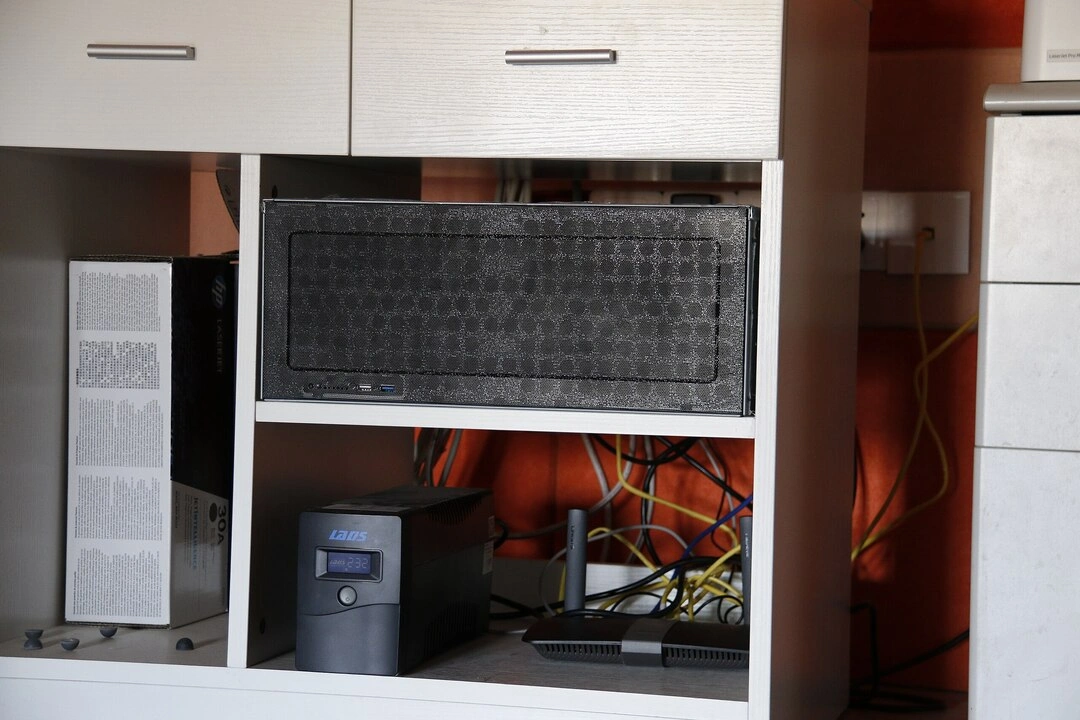
We go over the rise of virtualization and the open software adopted by home server enthusiasts, as well as the current challenges and the future of the hobby.
September 06, 2025

Learn why OpenSFF adopted the SFF-TA-1002 connector standard and how it enables our vision.
September 18, 2025