Blog
120W is More Than It Seems: The Separate Power Budgets of Compute Nodes and Enclosures
Introduction
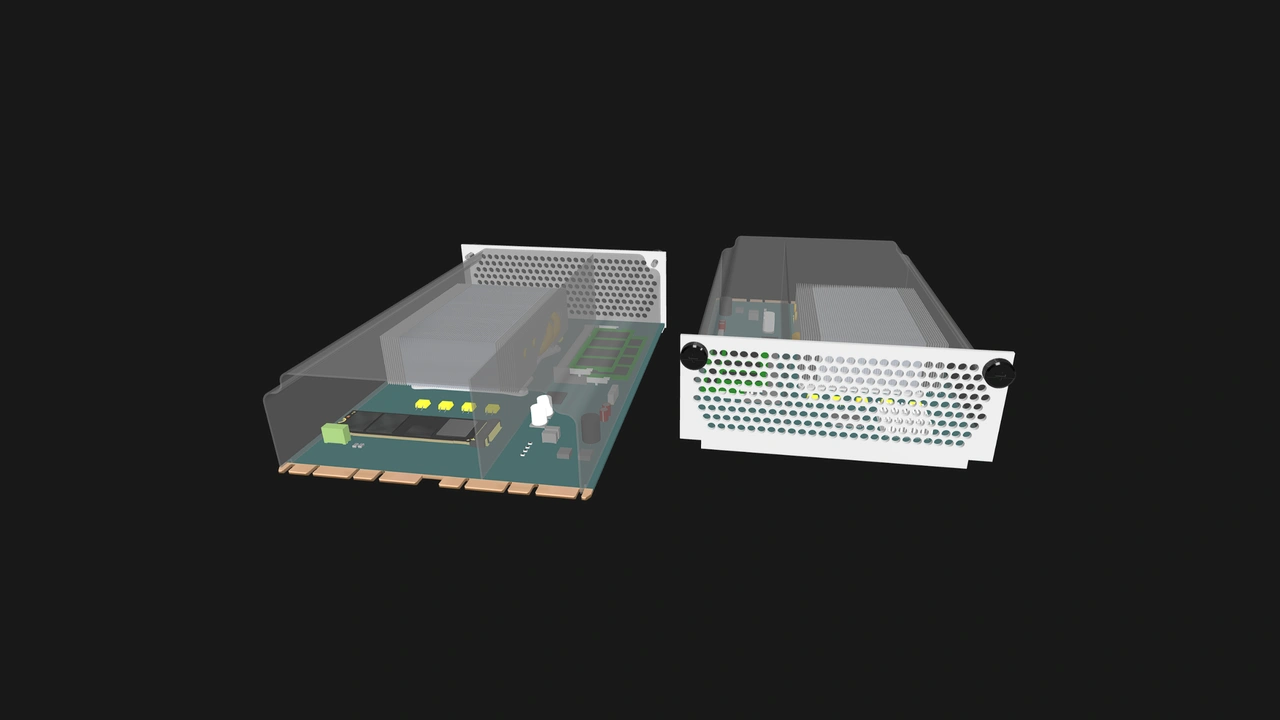
In a previous article, we talked about the workloads that you can run within our standard’s 120W maximum power target (MPT) using today’s hardware. In this article, we want to emphasize that the MPT applies per Compute Node, not to an entire OpenSFF-compatible system.
In a conventional PC, the power supply (PSU) has to be sufficient for all components, including the case fans, additional storage, PCIe cards, as well as its own conversion losses. A 120W PC and an OpenSFF-compatible Compute Node would not necessarily have the same capabilities. Let us go over which components are covered in the Compute Node’s MPT, and which ones are left to the Enclosure to cover. We will then go over a few concept Compute Nodes to show how much headroom vendors have with Compute Nodes in terms of power.
Where the 120W MPT goes
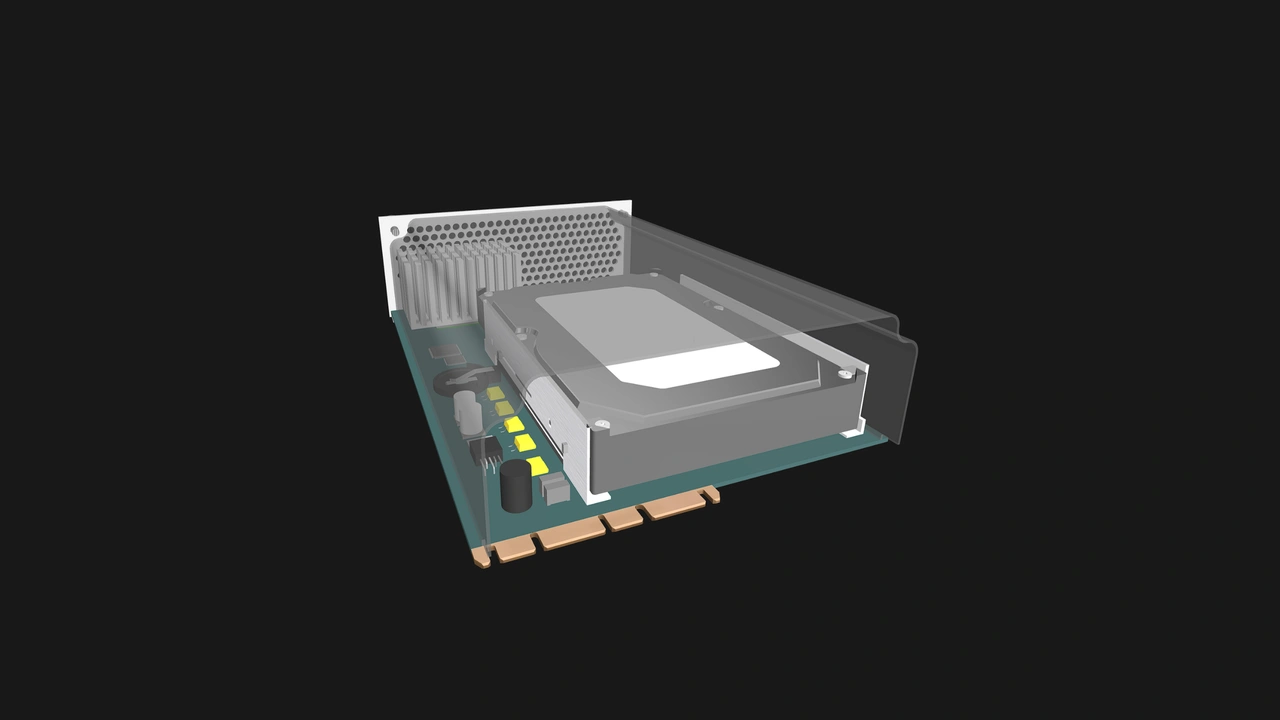
The Compute Node is a self-contained processing module, i.e. it contains the essential components of a computer. Those components are the ones that node vendors must account for when considering its MPT.
CPU
The processor will typically be the single biggest power-consuming component in a node, but it is also the most flexible one. A low-power chip such as the Intel N100 draws only up to 25W under full load, while an entry-level server-class CPU such as the ones in Intel’s Xeon 6300 series can draw up to 95W on their own.
Onboard storage and RAM
An NVMe SSD draws up to around 5W, while a SATA SSD can draw up to 9W under sustained load. Enterprise HDDs can draw up to 13W under load. Meanwhile, a DDR5 RAM module typically consumes around 5W.
Optional electronics
These are the components that vendors can look into to maximize the node MPT. NICs and other interfaces usually consume around 5W. Beyond those, a Compute Node could have specialized features such as a capture card, or PoE ports that provide 15W each to a connected device. Compute Nodes can also have integrated USB peripherals that consume less than a watt each, such as a Zigbee dongle or a security key.
Power loss from the VRM and system board
We estimate that vendors would need to account for around 5W from VRMs stepping down the outlet voltage and distributing power through a node’s PCB.
Enclosure-bound components
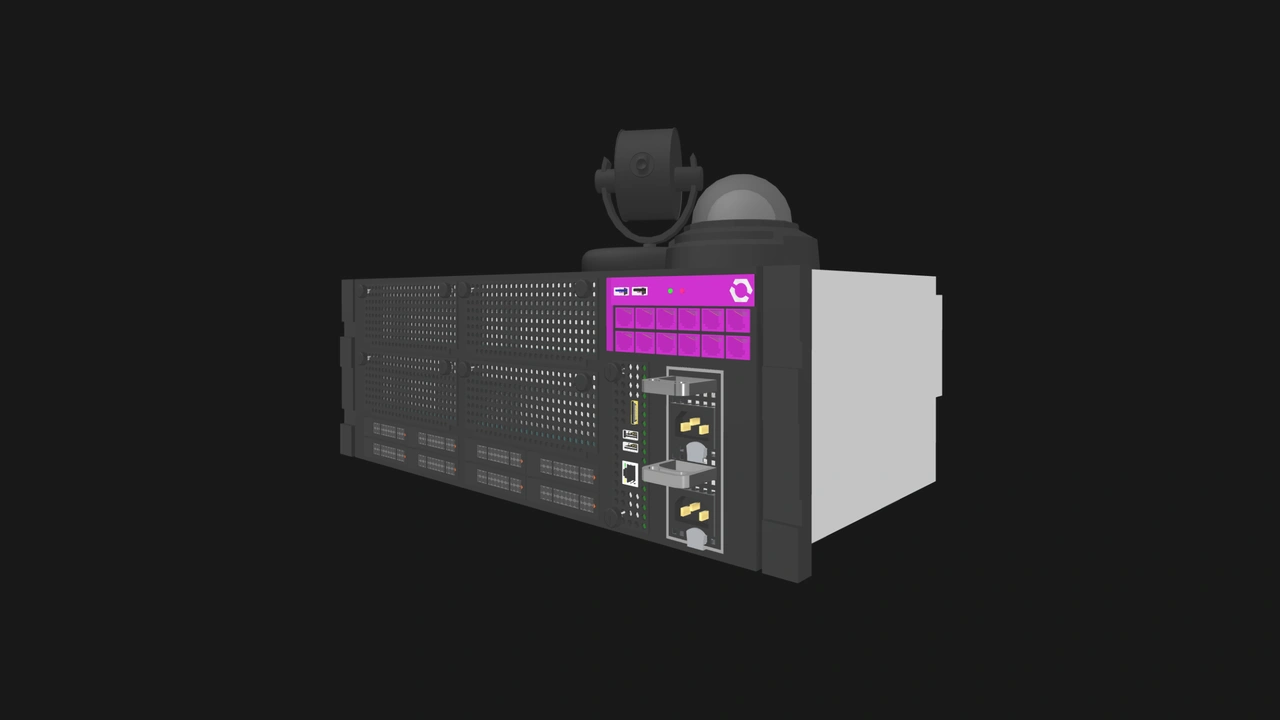
While still modest, the 120W MPT does not restrict an Enclosure’s capabilities. Here are some of the components that an OpenSF-compatible system can have regardless if its nodes make full use of their MPT.
Additional storage
An Enclosure can have drive bays for additional storage. Hard drives equipped with modern high-capacity technology such as Seagate’s dual-actuator EXOS 2X14 can draw 7W when idle and up to 13W under load. Depending on the number of drive bays, this additional storage could account for over 100W, but Compute Node vendors do not have to factor those in in their designs.
Cooling
Compute Nodes can have only passive cooling components such as heatsinks or heat pipes. Active cooling resides entirely in the Enclosure. A 120mm or 140mm PC case fan typically draws as little as 0.5W while idle and up to 6W at full speed. Server-grade fans that provide high amounts of static pressure draw considerably more. For instance, Delta’s FFB0412SHN also draws up to 6W at 13,000 RPM, while the FFB0412EN-00Y2E consumes up to 17W at 25,000 RPM. The Delta PFB0412EN-E can draw up to 31W when it hits 32,500 RPM. A bank of these fans can add up to a considerable amount of power, but once again, none of it counts against any installed Compute Node’s MPT.
The Management Module
Enterprise Enclosures are required to support the Management Module, which provides KVM redirection and power control locally, remotely, or both for all installed nodes. Core Enclosures may also support the Management Module. A compatible Enclosure must provide 50W to its Management Module slot, separate from the power going to its node slot or slots.
Optional electronics
Enclosure vendors can also provide additional I/O and functionality to their product. High-speed network uplinks, an array of USB ports, or even an integrated display can all be implemented on the Enclosure without considering the node’s power budget.
PSU conversion losses
No PSU is completely efficient, and the inefficiency is worst at the extremes: when a system is nearly idle or when pushed to its limit. Even a PSU with an 80 PLUS Titanium rating can hit only 90% efficiency at 20% and at 100% load.
Anyone who runs a cluster of discrete systems is acutely aware that this overhead compounds. Each system incurs its own conversion loss, and one or more PSUs may not be sized appropriately for its system’s use case. An OpenSFF-compatible Enclosure’s centralized and shared power architecture consolidates the conversion loss into fewer PSUs, resulting in less power wasted compared to an equivalent cluster of discrete computers.
What this power separation means for Compute Node configurations
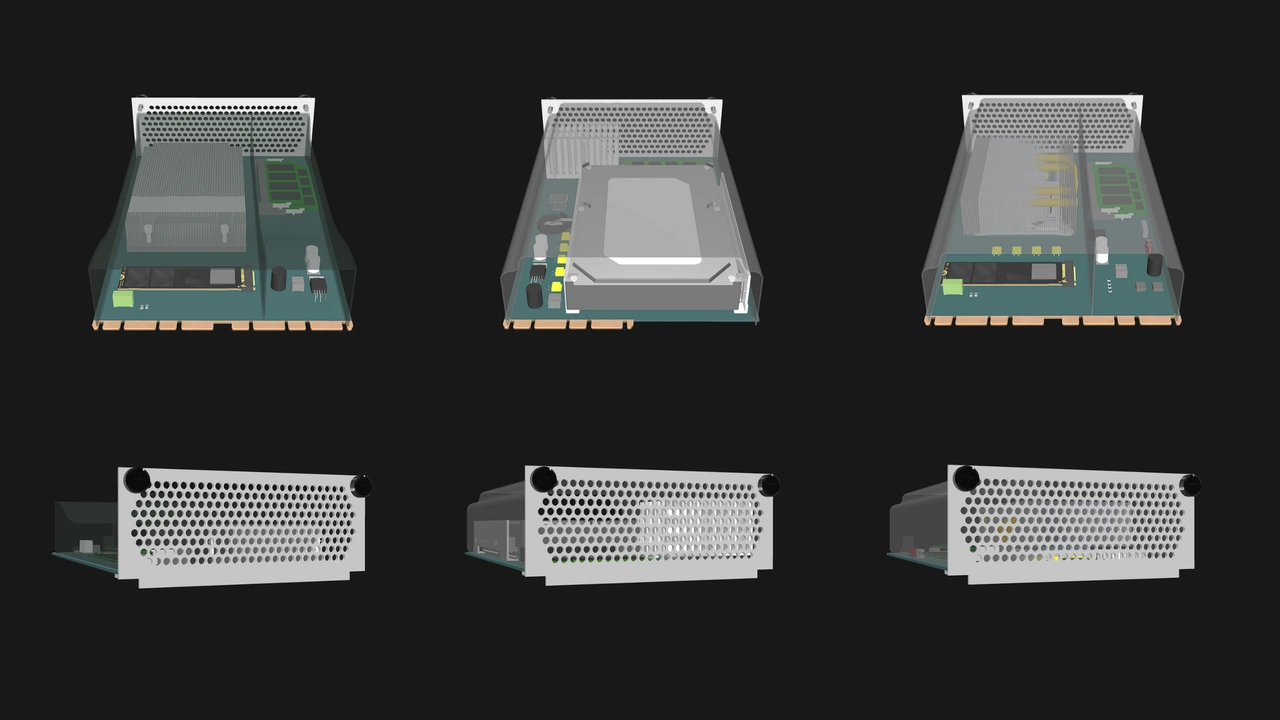
Compute Node vendors need to account only for what they include in their node, while Enclosure vendors can size their PSUs around a consistent 120W per node slot along with what their product’s own components require. To give you a better understanding of how much room that leaves for nodes, let us look at three concept configurations that can realistically be equipped on a Compute Node.
Low-power CPU node
A low-power processor frees up a Compute Node’s budget for more I/O and peripherals.
- CPU: Intel Core i3-14100T, 35W TDP
- RAM: two modules, 10W total
- Onboard storage: two NVMe SSDs, 10W total
- Optional electronics: a 4K video capture card and two PoE ports, 37W total
- VRM and system board loss: around 5W
- Node total: 97W
Balanced mid-range node
This mirrors the sample configuration we used in our 120W workload article: a node suited for moderate to high workloads while still fitting adequate RAM and onboard storage.
- CPU: Intel Core Ultra X9 388H, 80W boost power draw
- RAM: four modules, 20W total
- Onboard storage: two NVMe SSDs, 10W total
- NIC and other interfaces: 5W total
- VRM and system board loss: around 5W
- Node total: 120W
Upper-end CPU node
This configuration allocates nearly all of its budget to raw compute while still fitting within the node MPT.
- CPU: Intel Xeon 6377P, 95W TDP
- RAM: two modules, 10W total
- Onboard storage: one NVMe SSD, 5W
- VRM and system board loss: around 5W
- Node total: 115W
Build with OpenSFF
We hope this makes it clear that the 120W Compute Node MPT provides more headroom than it seems at first glance. A single node can provide the performance or connectivity of a traditional PC that draws significantly more power in total.
Equally important, regardless of how a Compute Node vendor chooses to utilize the 120W, their node will still benefit from everything that an Enclosure adds to the system, such as additional storage, fast networking, robust cooling, or abundant I/O.
We encourage you to read our specifications, and we would be grateful if you help spread the word about OpenSFF. For technical clarifications, partnerships, and other inquiries, reach out to our development team at [email protected].
Other Articles

Meet OpenSFF: an open hardware standard that enables cross-vendor compatibility, modular systems, and sustainable hardware reuse.
August 11, 2025
We go over the rise of virtualization and the open software adopted by home server enthusiasts, as well as the current challenges and the future of the hobby.
September 06, 2025

Learn why OpenSFF adopted the SFF-TA-1002 connector standard and how it enables our vision.
September 18, 2025